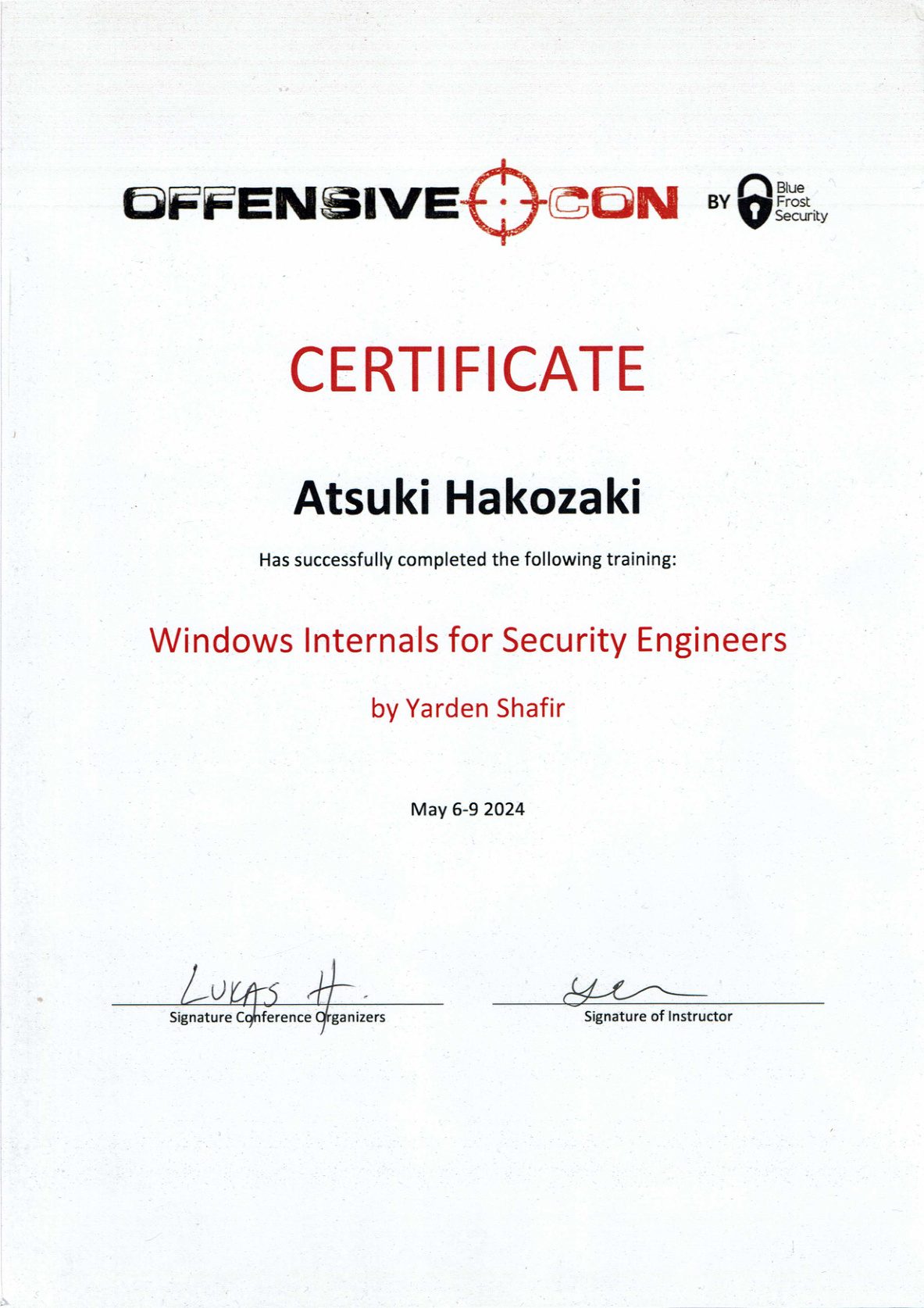
From May 6–9, 2024, I attended “Windows Internals for Security Engineers” (WISE), a training at OffensiveCon 2024 in Berlin, taught by Yarden Shafir.
Official page: Windows Internals for Security Engineers (OffensiveCon 2024)
The training content is under NDA, so I won’t go into specific techniques or the exercises. This is simply my impression of how differently I could see Windows after four days.
In one sentence
Four days that let me see Windows not as a black box, but as a collection of mechanisms.
I’d worked with Windows before, but what actually happened inside the kernel was something I could only imagine by stitching together fragments from blogs and books. This training made those fragments connect into a single line.
WinDbg went from “a tool for reading” to “a tool for asking questions”
Day one was almost entirely WinDbg. Honestly, I first thought “a whole day on a debugger?” — but by the end it was the foundation of all four days.
With the debugger data model you can treat kernel memory like a database: filter sets of processes, threads and handles by condition, and view just the fields you want as a table. Extend it with scripts and you can build your own investigation tools.
That changed how I feel about kernel debugging. What used to be “dump structures one at a time and read them by eye” became “form a hypothesis and ask the whole system a question.”
Security is built in layers
From day two onward we followed, step by step, how trust is stacked up from boot through the hypervisor, the kernel and user mode.
What stuck with me most was the repeated point that no single defense is complete on its own. Being able to understand, for each feature, both *what it was built to protect* and *what it does not* was a big takeaway. I used to know only the names and assume “turn it on and you’re safe.” Now I can place each one as “this defends this layer against this kind of threat.”
You can’t understand today’s Windows without its history and its compatibility story
There was a lot of “why is it like this,” and that was perhaps the most interesting part: how remnants of the 16-bit era still live in today’s design, how mechanisms born for an entirely different purpose later became security features, and how the “never break compatibility” policy shapes design and defaults.
Once you know why technical debt was created and why it survives, you suddenly understand *why the attack surface is where it is*. Vulnerabilities aren’t accidents; they emerge from history. Feeling that was unique to this class.
I came away with a “map” of the kernel
Days three and four raced through the main Executive components. The volume was overwhelming and I can’t claim I digested all of it on the spot. Still, I came away with a map of the kernel: what happens at the user/kernel boundary, under what trust relationships processes talk to each other, and which components are old, complex and under-examined.
It helped a lot for studying AWE (OSEE)
One thing I can say for sure: this training helped enormously with studying AWE (Advanced Windows Exploitation) / OSEE.
Working through AWE, it’s easy to move your hands without understanding *why* a step is written that way or *why* a constraint exists. Because WISE taught the kernel, the CPU and the mitigations from the ground up, I could approach those moments from first principles.
- Understand steps from “why it works,” not by rote
- When stuck, guess which layer and which mechanism is involved and investigate
- Use WinDbg to verify on the spot whether my understanding is right
WISE is not an exploit-development class. Even so, as a *foundation* for learning exploitation, nothing could have fit better.
For future attendees
- Play with WinDbg a little beforehand — your day-one absorption will be completely different.
- Don’t try to understand everything perfectly. Get the map first; go deep on each piece later.
- Write down every public resource and blog mentioned — they make the best review material.
Closing
The biggest thing I gained wasn’t individual facts but the sense, and the confidence, that when I have a question about Windows behavior I can check inside it myself. Being able to say “this is what I saw in the debugger,” rather than “someone wrote that it works this way,” is the strongest weapon a security engineer can have.