

Introduction / Overview
Disclaimer: This article is for education and authorized security testing only. Run these tools exclusively against clusters you own or have explicit written permission to assess. Active scanning of third-party infrastructure may be illegal and can disrupt production workloads.
Kubernetes ships secure-ish by default on managed platforms, but a self-managed cluster — or a hardened-then-drifted one — accumulates misconfig debt fast. Two complementary open-source tools cover most of the audit surface:
- kube-bench (Aqua Security) checks node and control-plane configuration against the CIS Kubernetes Benchmark — a static, compliance-style audit.
- kube-hunter (also Aqua Security, now archived but still useful) actively probes a running cluster for reachable, exploitable weaknesses — a dynamic, attacker's-eye audit.
This post walks through running both, reading their output, and turning findings into concrete remediation.
How it works / Background
kube-bench maps each CIS recommendation to a shell-level check. For control-plane components it inspects process flags and manifest files (e.g., /etc/kubernetes/manifests/kube-apiserver.yaml); for nodes it inspects the kubelet config (/var/lib/kubelet/config.yaml) and file permissions. Each check returns PASS, FAIL, WARN, or INFO with a remediation hint. It auto-detects the platform but you can force a target group with --targets master,node,etcd,policies.
kube-hunter runs in three modes:
- Remote — point it at an IP/hostname; it enumerates open ports (10250 kubelet, 10255 read-only, 6443 API, 2379 etcd) and known endpoints.
- Internal (
--pod) — runs inside a pod to model a compromised-workload attacker, testing service-account token access, the metadata API, and lateral movement. - Network (
--cidr) — sweeps a CIDR range.
It maps findings to KHV IDs (e.g., KHV002 Kubernetes version disclosure, KHV050 reading the service account token), which trace back to real attack techniques.

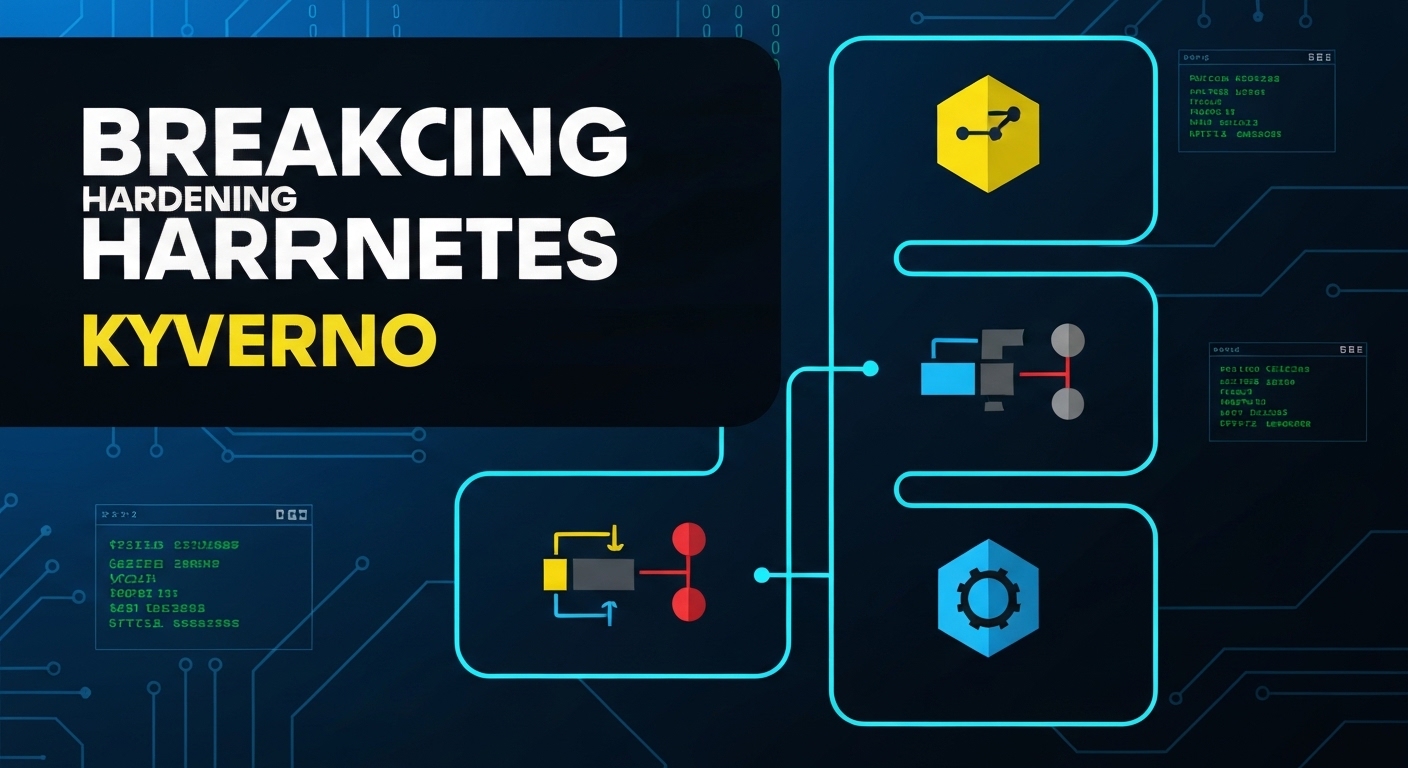
The diagram shows the two-track workflow: static CIS checks and dynamic probing both feed one remediation backlog that you re-scan to confirm.
Prerequisites / Lab setup
Use a throwaway cluster. kind (Kubernetes-in-Docker) is ideal because you control the whole node.
# Create a single-node lab cluster
kind create cluster --name audit-lab

# Confirm access
kubectl cluster-info --context kind-audit-lab
kubectl get nodes -o wideYou will need kubectl, Docker, and either the kube-bench binary or its container image. For node-level checks, kube-bench must run on the node (or in a pod with host mounts), since it reads host files.
Walkthrough / PoC
Step 1 — Run kube-bench against the control plane
The cleanest way is the official Job manifest, which mounts the host filesystem read-only and runs the checks in-cluster:
# Run the upstream Job (control-plane variant)
kubectl apply -f https://raw.githubusercontent.com/aquasecurity/kube-bench/main/job.yaml

# Wait for completion and read the report
kubectl wait --for=condition=complete job/kube-bench --timeout=120s
kubectl logs -l app=kube-bench --tail=-1Prefer running directly on the node? Use the container with host mounts:
docker run --rm --pid=host \
  -v /etc:/etc:ro \
  -v /var:/var:ro \
  -v $(which kubectl):/usr/local/bin/kubectl:ro \
  -t aquasec/kube-bench:latest \
run --targets master,node,policiesTypical output for a drifted cluster:
[FAIL] 1.2.16 Ensure that the --profiling argument is set to false
[FAIL] 1.2.19 Ensure that the --audit-log-path argument is set
[WARN] 4.2.6  Ensure that the --protect-kernel-defaults argument is set to true
[PASS] 1.2.6  Ensure that the --kubelet-certificate-authority argument is set

== Remediation master ==
1.2.16 Edit the API server pod spec file
/etc/kubernetes/manifests/kube-apiserver.yaml and set --profiling=falseExport machine-readable output for pipelines:
kube-bench run --targets master \
--json | tee kube-bench-master.jsonStep 2 — Triage the FAILs
Focus first on items that directly weaken authn/authz or expose data. High-value examples:
--anonymous-auth=trueon the API server or kubelet → unauthenticated access.--authorization-mode=AlwaysAllow→ RBAC effectively disabled.- Missing audit logging (
--audit-log-path) → no forensic trail. - World-readable kubeconfig / PKI files (
chmod 600expected).
Step 3 — Run kube-hunter from inside a pod
The internal scan models the most realistic threat: an attacker who already has code execution in one container. The maintained way to run it today is the container image:
# Internal scan: simulate a compromised workload
kubectl run kube-hunter --rm -it --restart=Never \
--image=aquasec/kube-hunter:latest -- --podIf the cluster mounts service-account tokens by default, you will see findings like:
| Location  | Category            | Vulnerability                          |
|-----------|---------------------|----------------------------------------|
| Local Pod | Access Risk         | KHV050 Read access to pod's service    |
|           |                     | account token                          |
| API Server| Information         | KHV005 Access to API using token       |
|           | Disclosure          |                                        |
| 10.96.0.1 | Remote Code Exec    | KHV022 Possible Arbitrary Access to    |
| | | the K8s API Server |Step 4 — Probe the kubelet directly
A classic finding is an exposed kubelet read/write API on 10250. If --anonymous-auth=true and authorization is AlwaysAllow, anyone on the network can list and exec into pods:
# Enumerate pods via the kubelet (anonymous)
curl -sk https://NODE_IP:10250/pods | jq '.items[].metadata.name'

# If exec is reachable, an attacker runs commands in a container
curl -sk -X POST \
  "https://NODE_IP:10250/run/<namespace>/<pod>/<container>" \
-d "cmd=id"This is the same path kube-hunter flags as KHV036 (anonymous kubelet) — confirm it, then fix it, don't leave it open.
Detection & Defense (Blue Team)
Auditing is only half the job. Each finding maps to a hardening control and a detection opportunity.
1. Lock down the kubelet. Disable anonymous auth and switch authorization to webhook in /var/lib/kubelet/config.yaml:
authentication:
  anonymous:
    enabled: false
authorization:
mode: WebhookBlock port 10250/10255 at the network layer so only the control plane can reach kubelets.
2. Enforce RBAC and disable AlwaysAllow. Set --authorization-mode=Node,RBAC on the API server. Audit for wildcard roles:
kubectl get clusterroles -o json \
| jq -r '.items[] | select(.rules[]?.verbs[]? == "*") | .metadata.name'3. Reduce service-account token exposure. Set automountServiceAccountToken: false on workloads that don't call the API, neutralizing KHV050-style token theft.
4. Turn on audit logging. Configure --audit-log-path and an audit policy, then ship logs to a SIEM. Alert on anonymous requests, exec/attach to pods, and reads of Secret objects.
5. Apply Pod Security Standards and policy. Enforce the restricted Pod Security Admission profile and add an admission controller (Kyverno or OPA Gatekeeper) to block privileged pods, hostPath mounts, and host namespaces — the building blocks of container escape.
6. Detection signals to wire up:
- API server audit events with
user.username: system:anonymous. - Kubelet access logs on 10250 from non-control-plane sources.
- Falco rules for unexpected
execinto containers or shells spawned in pods.
7. Bake it into CI. Run kube-bench in your pipeline and gate on new FAILs:
kube-bench run --targets master --json \
| jq -e '[.Controls[].tests[].results[] | select(.status=="FAIL")] | length == 0'For broader supply-chain hygiene around your images, see scanning container images with Trivy and hardening Dockerfiles. For credential exposure on cloud nodes, the IMDS SSRF playbook covers the metadata-API angle kube-hunter also tests.
Conclusion
kube-bench tells you where your cluster diverges from the CIS benchmark; kube-hunter tells you which of those gaps an attacker can actually reach. Run both, prioritize findings that touch authentication, authorization, and the kubelet, apply the remediation hints, then re-scan to prove the gap is closed. Wire the static check into CI and the dynamic signals into your SIEM so a one-time audit becomes a continuous control.
References
- CIS Kubernetes Benchmark — https://www.cisecurity.org/benchmark/kubernetes
- kube-bench — https://github.com/aquasecurity/kube-bench
- kube-hunter (archived) — https://github.com/aquasecurity/kube-hunter
- Kubernetes hardening / kubelet auth — https://kubernetes.io/docs/reference/access-authn-authz/kubelet-authn-authz/
- Pod Security Standards — https://kubernetes.io/docs/concepts/security/pod-security-standards/
- MITRE ATT&CK for Containers (T1610, T1611, T1613) — https://attack.mitre.org/matrices/enterprise/containers/
- HackTricks — Kubernetes Enumeration — https://cloud.hacktricks.xyz/pentesting-cloud/kubernetes-security
You Might Also Like
If you found this useful, these related deep-dives cover adjacent techniques and their defenses:
Comments