

Most of the work a Windows machine does happens without anyone watching. Print spoolers, the event log, Windows Update, the DNS client, endpoint agents, and databases all run as services — background programs that start without an interactive user, often at boot, and frequently under highly privileged accounts. Because so many of them run as LocalSystem, services are simultaneously the backbone of the operating system and one of its richest attack surfaces. At the center of it all sits the Service Control Manager, the component that decides what runs, as whom, and when. This article dissects how services are configured, hosted, and controlled, and why the details matter for both defenders and attackers.
The Service Control Manager (services.exe)
The Service Control Manager (SCM) is implemented in services.exe, one of the first processes on the system. It is launched by wininit.exe early in boot, and it runs as LocalSystem. The SCM owns the authoritative in-memory service database, starts and stops services in the correct dependency order, tracks their status, and acts as the RPC server behind the Service Control API that tools like sc.exe, the Services MMC snap-in, and PowerShell’s *-Service cmdlets ultimately call.
Every request to query, configure, start, or stop a service is a remote procedure call to the SCM, which enforces access control on the service’s security descriptor before acting. Because the SCM runs as LocalSystem and can launch processes under any service account, control over it — or over the configuration it reads — is control over the machine.
The Service Database in the Registry
The persistent configuration for every service and driver lives in the registry under HKLM\SYSTEM\CurrentControlSet\Services\<name>. When the SCM starts, it reads this key to build its database. The values that matter most are:
ImagePath— the command line the SCM executes for the service (for a driver, the path to the.sysfile).Start— when the service loads:0Boot,1System,2Auto (start at boot after the system is up),3Demand (manual),4Disabled.Type— what it is: a Win32 service in its own process, a Win32 service that shares a process, or a kernel/file-system driver.ObjectName— the account the service runs as, such asLocalSystem,NT AUTHORITY\NetworkService,NT AUTHORITY\LocalService, or a specific user.DependOnService— services that must start first, which the SCM uses to order startup.ServiceDll— for services hosted insidesvchost.exe, the DLL that implements the service, stored under the service’sParameterssubkey.
Because this configuration is just registry data, anyone who can write to a service’s key — or to the binary that ImagePath points at — can change what code runs and under which identity. That is the seed of a large family of privilege-escalation techniques discussed below.
Service Accounts
The account a service runs as decides how much damage a compromise of that service can do. The built-in options span a wide privilege range:
LocalSystem(S-1-5-18) — the most powerful local context, effectively unrestricted on the machine and presenting the computer account on the network.NetworkService— limited local rights but authenticates on the network as the computer account.LocalService— limited local rights and anonymous on the network; the safest of the three for a service that does not need broad access.- Virtual service accounts (
NT SERVICE\<name>) — per-service managed identities that scope permissions to a single service without a password to manage. - (Group) Managed Service Accounts — domain accounts with automatically rotated passwords, used for services that need domain identity.
The guiding principle is least privilege: a service that only needs to read a log file should not run as LocalSystem. In practice, over-privileged service accounts are one of the most common misconfigurations on enterprise hosts.
svchost.exe and Shared Services
Not every service is its own executable. Many Win32 services are implemented as DLLs and hosted inside svchost.exe (the “Service Host”). For these, the ImagePath points at svchost.exe with a group name, and the actual code lives in the DLL named by the ServiceDll value under the service’s Parameters key. Historically the SCM grouped many services into a handful of shared svchost.exe processes to save memory; on modern Windows (10 and later, on machines with sufficient RAM) services are largely split into separate svchost.exe processes, which improves isolation and makes a crashed or compromised service less likely to take others down with it.
A hosted service DLL exports a ServiceMain entry point. When the SCM starts the service, svchost.exe loads the DLL and calls ServiceMain, which registers a control handler and begins the service’s work. This design is why “which process is this service in?” is not always obvious — several logical services can share one svchost.exe PID.
Service Lifecycle and Control
Starting a service is a small protocol between the SCM and the service process. The sequence for a standard Win32 service is:
- The SCM creates the service process (or loads the DLL into an
svchost.exehost) under the configured account. - The service calls
StartServiceCtrlDispatcherto connect its main thread to the SCM’s dispatcher. - In its
ServiceMain, the service callsRegisterServiceCtrlHandlerto register a callback that receives control requests. - The service reports progress and its final running state to the SCM with
SetServiceStatus. If it does not reportSERVICE_RUNNINGwithin the timeout, the SCM considers the start to have failed.
Once running, a service receives control codes through its handler — stop, pause, continue, interrogate, and various custom or system codes (such as shutdown and power events). Administrators can also configure recovery actions that tell the SCM what to do when a service crashes: restart the service, run a program, or reboot the machine. Recovery actions are worth noting because a “run a program on failure” action is itself a persistence mechanism.
Drivers as Services
The Services registry key does not only describe user-mode services — it also describes kernel-mode drivers. A driver entry has a Type indicating a kernel or file-system driver and a Start value that controls when it loads. Start values 0 (Boot) and 1 (System) mark drivers that must be present very early; the boot loader and kernel load these during initialization, before most of user mode exists. A Start value of 3 (Demand) marks a driver that is loaded on request — for example when a device appears or when software explicitly loads it.
This unification is why the same sc.exe tool that creates a Win32 service can also register a driver, and why SeLoadDriverPrivilege combined with the ability to create a service entry is a route to running code in the kernel — the foundation of “bring your own vulnerable driver” attacks.
Inspecting Services
Everything above is directly observable from the command line. A few essential commands:
# List running services
sc query

# Show a service's binary path, start type, and account
sc qc Spooler

# Extended query including the hosting PID
sc queryex Spooler

# Read the raw configuration from the registry
reg query "HKLM\SYSTEM\CurrentControlSet\Services\Spooler"

# PowerShell view of service state and start mode
Get-Service | Where-Object Status -eq 'Running'
Get-CimInstance Win32_Service | Select Name, StartName, PathName, StartMode

# Map services to the processes hosting them
tasklist /svc
sc qc is the fastest way to see the ImagePath and ObjectName for a service; sc queryex adds the PID so you can correlate a service with a running process; and tasklist /svc reveals which services share each svchost.exe. The Win32_Service WMI/CIM class exposes the same fields programmatically, which is convenient for auditing many hosts at once.
Security Relevance
Because services run early and with privilege, they are one of the most productive areas for local privilege escalation and persistence. The classic weaknesses all trace back to the configuration described above:
- Unquoted service paths. If
ImagePathisC:\Program Files\My App\svc.exewithout quotes and a directory in the path is writable, Windows may executeC:\Program.exeorC:\Program Files\My.exefirst — letting a low-privileged user plant a binary that the service runs as its own account. - Weak binary or directory permissions. If the file named by
ImagePath(or its folder) is writable by a non-admin, replacing it means your code runs as the service account on the next start. - Weak service ACLs. If a service’s security descriptor grants
SERVICE_CHANGE_CONFIGto non-admins, an attacker can rewriteImagePathandObjectNameto run an arbitrary command asLocalSystem— no file tampering required. - ServiceDll / DLL hijacking. A hosted service that loads a DLL from a writable or search-order-ambiguous location can be hijacked by planting a malicious DLL.
- Service creation as persistence. With administrative rights, creating a new auto-start service (or a driver entry) is a durable, boot-surviving foothold; recovery actions offer a subtler variant.
Defenders and testers examine these with tools such as sc.exe and Sysinternals accesschk (for example, checking who holds SERVICE_CHANGE_CONFIG or write access to service binaries). The mitigations mirror the weaknesses: quote all service paths, tighten ACLs on service keys and binaries, run services under the least-privileged account that works, and monitor for new service creation and configuration changes. All of this is for defensive understanding and authorized testing only.
Conclusion
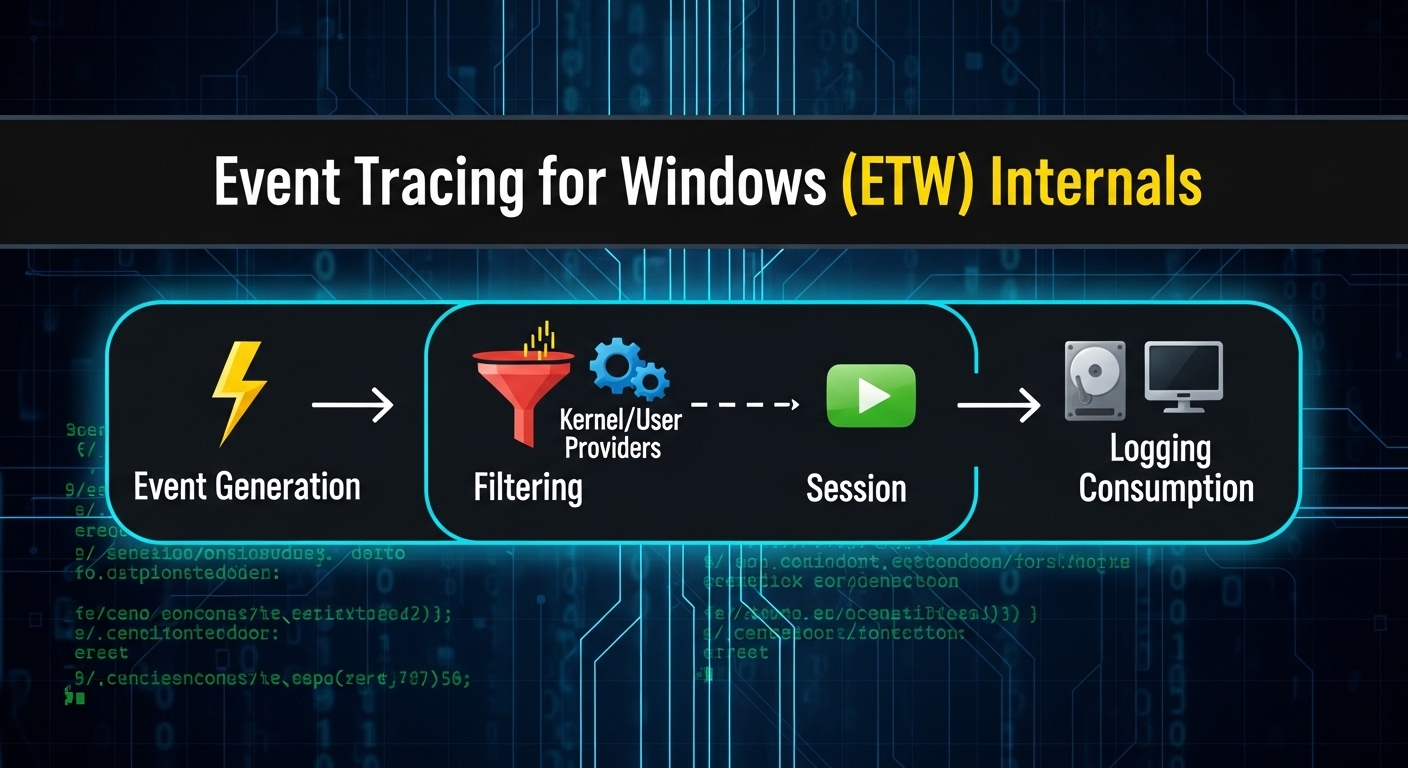
The Service Control Manager turns registry configuration into running, privileged code: it reads the Services key, launches each service under its configured account, hosts many of them inside svchost.exe, and manages their entire lifecycle through a small control protocol. That same configuration-driven design is what makes services such a fertile ground for escalation and persistence, which is why understanding ImagePath, Start, ObjectName, and service ACLs is essential knowledge. Services also generate a great deal of the telemetry defenders rely on — which leads naturally to the next article in the series on Event Tracing for Windows (ETW), the engine behind much of that visibility.
You Might Also Like
This article is part of the Windows Internals series. These related deep-dives cover adjacent parts of the system:
Comments