

Disclaimer: This article is for educational purposes and authorized security testing only. Analyze only files you are legally permitted to handle, and detonate or inspect potentially malicious samples inside an isolated lab. Never run unknown binaries on production or personal hosts.
Introduction / Overview
Static analysis means understanding a binary without executing it. For Windows malware, that binary is almost always a PE (Portable Executable) — the format behind .exe, .dll, .sys, and .scr. Before you ever fire up a debugger or detonate a sample in a sandbox, static triage answers the cheap questions first: Is it packed? What APIs does it import? What strings, URLs, or mutexes are hard-coded? Is it signed?
This guide walks through PE triage using the tools every analyst keeps on their bench: pestudio for a guided overview, Mandiant's capa for capability detection, and a few command-line utilities for fast scripting. The goal is to extract maximum intelligence with minimum risk.
How it works / Background
The PE format is a structured container parsed by the Windows loader. The pieces you care about during triage:
- DOS header / DOS stub — Begins with the magic bytes
MZ(0x4D5A). At offset0x3Clivese_lfanew, a pointer to the PE header. - PE header (NT headers) — Starts with the signature
PE\0\0. Contains theFILE_HEADER(machine type, number of sections, timestamp) and theOPTIONAL_HEADER(entry point, image base, subsystem, data directories). - Section table — Describes each section:
.text(code),.data(initialized data),.rdata(read-only data and the import table),.rsrc(resources),.reloc(relocations). Suspicious or packer-created names likeUPX0,.themida, or random strings are red flags. - Imports (IAT) — The Import Address Table lists functions the binary resolves from DLLs (e.g.
VirtualAlloc,CreateRemoteThread,WinHttpOpen). Imports are the single richest behavioral signal in static analysis. - Strings — ASCII and UTF-16LE text embedded in the file: paths, registry keys, C2 domains, error messages, and PDB paths.
A high-entropy .text section, a tiny import table containing only LoadLibrary + GetProcAddress, and a mismatch between virtual size and raw size all suggest packing — the real payload is compressed/encrypted and only unpacked at runtime, which limits how far static analysis alone can take you.
Prerequisites / Lab setup
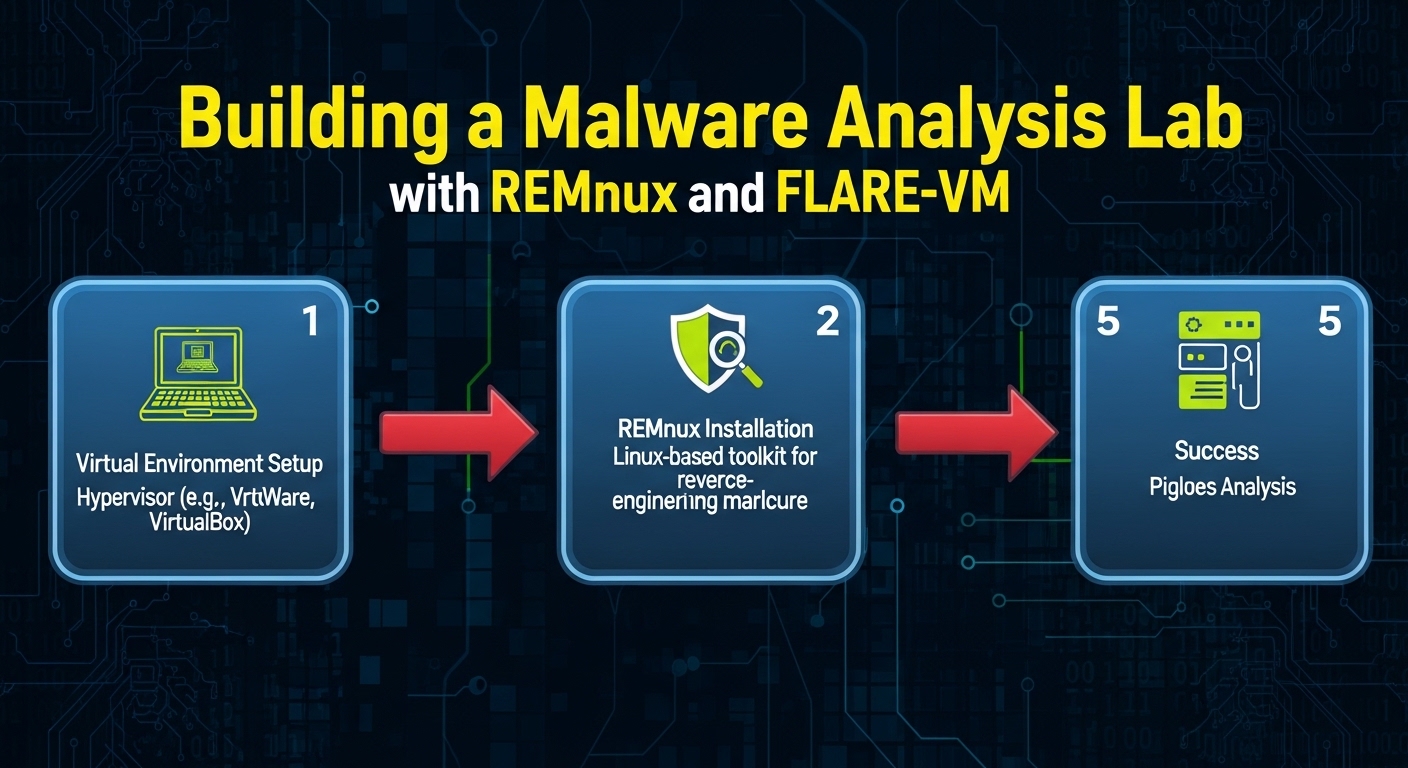
Work inside an isolated VM (Windows or Linux) with no network access to the host. Recommended toolset:
# Linux toolbox (Debian/Ubuntu/REMnux)
sudo apt install -y pev binutils yara
pip install flare-capa            # Mandiant capa
# pestudio is Windows-only; run it in a Windows analysis VM (FLARE-VM)REMnux and FLARE-VM ship most of these preinstalled. For Windows, install FLARE-VM and add pestudio, PE-bear, and Detect It Easy (die).
Walkthrough / PoC
We'll triage a sample named sample.exe. Substitute your own authorized file.
1. Identify the file and compute hashes
Always fingerprint first so you can cross-reference threat intel later.
file sample.exe
sha256sum sample.exe
# 9f86d081884c7d659a2feaa0c55ad015a3bf4f1b2b0b822cd15d6c15b0f00a08 sample.exeLook the hash up in VirusTotal or your TIP — but upload nothing if the sample is sensitive or targeted; the hash alone is enough to pivot.
2. Parse the PE header and sections
pev gives a fast, scriptable view of the headers:
readpe -H sample.exe          # full header dump
readpe -S sample.exe # section table with entropyPay attention to:
- Compile timestamp in
FILE_HEADER.TimeDateStamp— sometimes faked, but often a useful pivot. - Subsystem —
IMAGE_SUBSYSTEM_WINDOWS_GUIvs_CUItells you console vs windowed. - Section entropy — values near 8.0 mean compressed/encrypted (packed).
readpe -Sreports entropy per section.
Check entropy and packer signatures explicitly:
# Per-section entropy + packer detection
diec sample.exe               # Detect It Easy (CLI: diec)
pescan -v sample.exe # heuristics: TLS callbacks, suspicious entrypoint3. Extract strings
Pull both ASCII and 16-bit Unicode strings — malware authors frequently store config in UTF-16LE:
strings -a -n 8 sample.exe          > strings_ascii.txt
strings -a -n 8 -e l sample.exe     > strings_unicode.txt   # -e l = 16-bit little-endian
grep -aiE 'http|\.dll|\.exe|HKEY|\\\\pipe\\\\|cmd\.exe|powershell' strings_*.txtHunt for URLs, IPs, registry keys, named pipes, mutex names, and PDB paths (a leftover *.pdb path can leak the author's username and project name).
4. Review imports
Imports map almost directly to behavior. List them:
readpe -i sample.exe # imported DLLs and functionsMap suspicious imports to intent:
| Import | Likely capability |
|---|---|
VirtualAllocEx + WriteProcessMemory + CreateRemoteThread |
Process injection |
WinHttpOpen / InternetOpenUrlA |
C2 / download |
CryptEncrypt / BCryptEncrypt |
Ransomware or config encryption |
RegSetValueExA (Run key) |
Persistence |
IsDebuggerPresent / CheckRemoteDebuggerPresent |
Anti-analysis |
A near-empty import table is itself a finding — it means imports are resolved dynamically, a hallmark of packers and shellcode loaders.
5. pestudio for guided triage (Windows VM)
Open the sample in pestudio. It loads the file without executing it and surfaces:
- indicators — a scored list (blacklisted imports, anomalies, packed sections, missing/invalid signature).
- imports — flagged with a blacklist column so dangerous APIs jump out.
- strings — deduplicated and tagged (URLs, registry, suspicious keywords).
- virustotal — hash lookup (offline-safe; sends the hash, not the file, if you enable it).
pestudio is excellent for fast prioritization, but treat its scores as hints, not verdicts.
6. Detect capabilities with capa
capa matches the binary against a curated ruleset and maps findings to MITRE ATT&CK and the Malware Behavior Catalog (MBC):
capa sample.exe
capa -v sample.exe              # verbose: show matched features and addresses
capa -j sample.exe > capa.json # machine-readable for pipelinesTypical output groups capabilities like "create process", "encrypt data using RC4", "check for software breakpoints", and ties each to an ATT&CK technique ID. Because capa reasons over disassembly (via vivisect/IDA/Ghidra backends), it sees more than imports alone — but it cannot see through packing. If capa reports almost nothing on a clearly malicious file, suspect a packer and move to unpacking before continuing in Ghidra.
7. Decide the next step
The flowchart below summarizes the triage loop.
Mermaid diagram

This loop shows that packing detection gates everything: a packed sample must be unpacked before header, import, and capability analysis yield meaningful results.
Detection & Defense (Blue Team)
Static analysis is also a defensive workflow. Equip your blue team to flag and block suspicious PEs before they execute.
Pre-execution / build-pipeline checks
- Verify Authenticode signatures. Unsigned or self-signed executables in user-writable paths (
%APPDATA%,%TEMP%,Downloads) are high-priority. Enforce WDAC or AppLocker policies that only permit signed binaries from trusted publishers. - Entropy and packer hunting. Scan incoming files with
capa,Detect It Easy, and YARA rules that flag known packer section names (UPX0,.aspack,.themida) and high-entropy sections. Quarantine high scorers for manual review. - YARA at scale. Deploy rules across mail gateways and EDR. A starter rule for the classic packed/injector pattern:
rule Suspicious_Injector_Imports {
    meta:
        author = "yunolay"
        description = "PE importing the classic remote-injection trio"
    strings:
        $a = "VirtualAllocEx" ascii
        $b = "WriteProcessMemory" ascii
        $c = "CreateRemoteThread" ascii
    condition:
        uint16(0) == 0x5A4D and all of them
}Runtime detection
- EDR behavioral telemetry catches what static analysis misses on packed samples: process hollowing,
CreateRemoteThreadinto another process, RWX memory allocations, and LOLBins spawningpowershell.exe. Map alerts to ATT&CK T1055 (Process Injection), T1027 (Obfuscated/Packed Files), and T1140 (Deobfuscate/Decode). - Block known-bad hashes at the endpoint and proxy. Feed
capa.jsonand hash IOCs into your SIEM for retro-hunting. - Attack Surface Reduction (ASR) rules in Microsoft Defender block Office child processes and credential theft — common follow-on stages.
Hardening
- Enforce WDAC in enforced mode, not audit-only.
- Strip execution permissions from download/temp directories where policy allows.
- Maintain a curated YARA/Sigma ruleset; see related guidance in Malware Sandbox Detection Evasion for why dynamic analysis alone is insufficient.
The takeaway: static signals (entropy, imports, signature status) feed prevention, while behavioral telemetry covers the packed cases static analysis cannot resolve.
Conclusion
Static PE triage is the highest-value, lowest-risk first step in any malware investigation. Hash and identify the file, check section entropy for packing, read the imports to infer behavior, mine strings for IOCs, and let pestudio and capa accelerate prioritization while mapping findings to MITRE ATT&CK. When packing blocks you, unpack and continue in a disassembler. The same signals that drive offensive triage — signatures, imports, entropy — power preventive controls like WDAC, AppLocker, and YARA on the defensive side. Master the cheap static pass first; it tells you whether the expensive dynamic analysis is even worth running.
References
- Microsoft — PE Format specification
- Mandiant — capa and capa-rules
- Winitor — pestudio
- MITRE ATT&CK — T1055 Process Injection, T1027 Obfuscated Files or Information
- pev / readpe project — pev documentation
- HackTricks — PE / Windows binary analysis
- Mandiant — FLARE-VM
You Might Also Like
If you found this useful, these related deep-dives cover adjacent techniques and their defenses:
Comments